
BIM
Revit modelling, clash coordination and federated model management from LOD 200 to LOD 400.
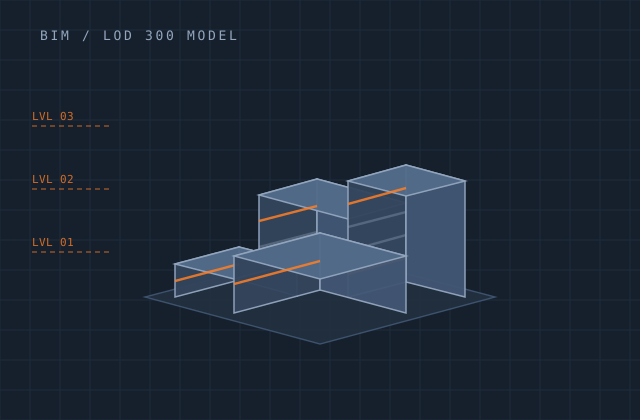
BIM
BIM goes wrong in predictable ways. Models get built to a geometric standard but with no usable data, so schedules are worthless. Or every discipline models to its own origin and federation becomes a week of alignment work. Or clashes get reported in the thousands with no filtering, which is the same as not reporting them.
We model to a defined execution plan — shared coordinates, agreed levels and grids, worksets, naming, and a parameter schedule that actually populates the data you intend to extract. Clash detection is run with rule sets that suppress noise and surface the clashes that need a decision, each one assigned and tracked to closure.
Whether you need one discipline modelled from consultant drawings, a scan-to-BIM existing-conditions model, or ongoing federated coordination across a live project, the standard is the same: a model your team can query, not just look at.
What you receive
Every item below is issued in your own template, with your layer conventions, title block and revision scheme.
- Discipline models — architectural, structural, MEP — to the agreed LOD
- Shared coordinate setup, levels, grids and workset structure
- Parameter schedule populated for your intended data extraction
- Family creation and parametric content library
- Sheet set and view production from the model
- Quantity and material schedules extracted from model data
- Navisworks federated model with rule-based clash detection
- Clash report with assignment, status and closure tracking
- 4D sequencing linkage where a programme is supplied
- IFC export validated against your exchange requirements
Production detail
| Typical turnaround | 2–8 weeks by building size and LOD |
|---|---|
| LOD range | LOD 200 / 300 / 350 / 400 |
| Standards | ISO 19650, BS 1192, your BEP; COBie on request |
| Deliverables | RVT, NWD / NWF, IFC 2x3 and IFC4, PDF sheet sets |
| Clash workflow | Rule-based grouping with assignment and closure tracking |
| Scan-to-BIM input | E57, RCP / RCS, LAS, structured or unstructured scans |
| Revisions | Two rounds included per milestone |
Software and formats
We work in your toolchain. If something you use is not listed, ask — the list below is only what we use most.
Frequently asked
Send one bim job and see how we work
Scope, price and programme come back in writing before anything starts. Most first projects are a single deliverable so you can judge us on output, not on a pitch.